
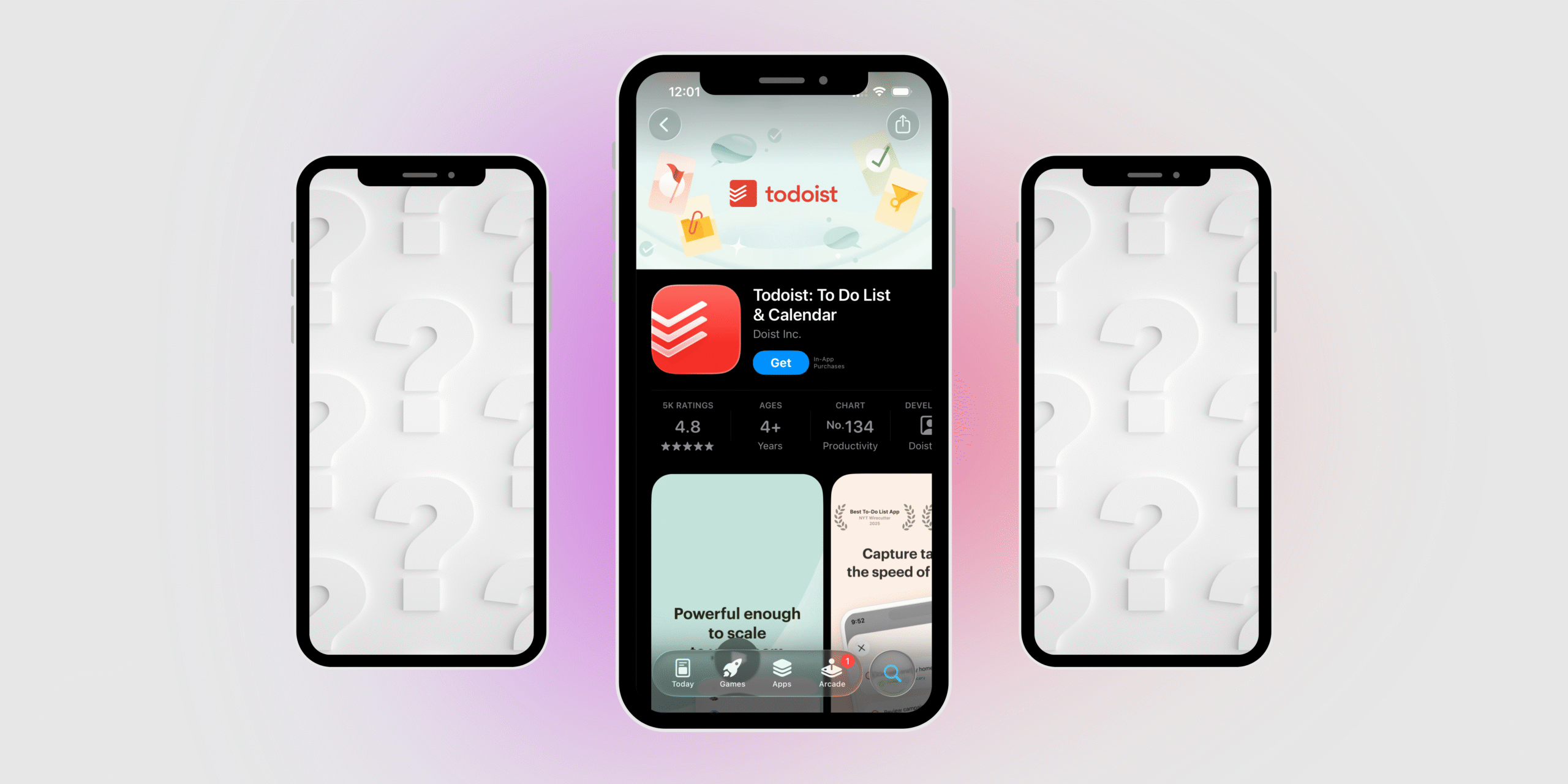
If Todoist feels almost right but not perfect, that’s completely normal. Task managers are deeply personal tools. What works for one person can feel overwhelming, rigid, or too basic for someone else.
Some people want a simple checklist.
Some need structure for work and teams.
Others need help with focus, motivation, and time blindness.
Below is a long-form, plain-text article that breaks down Todoist alternatives by how people actually use them, not just by feature lists.
| App | Category | Best For | Key Strengths | Main Limitations |
|---|---|---|---|---|
| Todoist | Usual task manager | General personal tasks | Fast input, clean lists, cross-platform | No habits, limited calendar, can feel basic |
| Microsoft To Do | Usual task manager | Simple daily planning | Free, My Day focus, Outlook sync | Very basic, weak project structure |
| Things | Usual task manager | Apple-only users | Beautiful design, GTD flow, one-time purchase | No Windows/Android, no collaboration |
| Any.do | Usual task manager | Daily planning & scheduling | Calendar-first, easy to use | Limited for complex projects |
| Google Tasks | Usual task manager | Minimalists | Extremely simple, Gmail & Calendar integration | Almost no advanced features |
| Asana | Work & teams | Structured team projects | Timelines, ownership, reporting | Overkill for personal use |
| Trello | Work & teams | Visual thinkers | Kanban boards, drag-and-drop | Weak time & deadline management |
| ClickUp | Work & teams | Complex workflows | Highly customizable, all-in-one | Steep learning curve, overwhelming |
| Notion | Work & systems | Custom productivity setups | Flexible databases, tasks + notes | Requires setup, no instant structure |
| TickTick | ADHD / focus | Tasks + habits + routines | Habit tracking, Pomodoro, calendar | UI less polished than Things |
| Tiimo | ADHD / focus | Time blindness support | Visual timelines, gentle reminders | Not ideal for complex projects |
| Habitica | ADHD / motivation | Motivation & consistency | Gamification, rewards, habits | Can feel childish for some users |
1. Usual Task Managers (Everyday, Personal To-Do Apps)
These apps are closest to Todoist in spirit. They focus on clarity, speed, and minimal friction. You open the app, add a task, and move on with your day. No dashboards, no complex systems.
Microsoft To Do
Microsoft To Do is one of the most common alternatives to Todoist for people who want something familiar and free. It focuses on daily planning rather than long-term productivity theory.
The “My Day” feature encourages you to consciously choose what you’ll work on today, which helps avoid overwhelming task lists that never end. Tasks can be simple or detailed, but the app never feels heavy.
This is a strong option if you want:
- A classic to-do list experience
- Gentle daily planning
- Integration with Outlook and Microsoft tools
It’s especially popular among students and office workers who don’t want to think too much about productivity systems.
Things
Things is often described as the most pleasant task manager to use. Everything feels intentional, calm, and thoughtfully designed. There are no unnecessary features, no distractions, and no clutter.
It follows a GTD-style structure (projects, areas, upcoming tasks), but in a way that feels natural rather than rigid. Many people switch to Things because Todoist starts to feel noisy or stressful.
Things is ideal if you:
- Use only Apple devices
- Value design and focus
- Want a premium experience without subscriptions
It’s not for teams or collaboration—it’s a deeply personal task manager.
Any.do
Any.do sits between a to-do app and a daily planner. It encourages you to plan today rather than obsess over everything you should do someday.
The app is built around daily routines and scheduling, which makes it feel more like a lightweight life planner than a productivity system.
Any.do works well if you:
- Plan your days around time blocks
- Like calendar-first workflows
- Want something simpler than Todoist
It’s less about projects and more about keeping days organized.
Google Tasks
Google Tasks is minimal to the extreme. There are no advanced views, no analytics, and very few settings. That’s exactly why people love it.
If you already live inside Gmail and Google Calendar, Google Tasks feels invisible—in a good way. You add a task, it appears in your calendar, and that’s it.
This is best for people who:
- Want the simplest possible to-do list
- Already use Google Workspace
- Get overwhelmed by feature-rich apps
2. Task Managers for Work, Projects & Teams
Once tasks involve multiple people, deadlines, dependencies, and visibility, personal to-do apps stop being enough. These tools are designed for collaboration and execution at scale.
Asana
Asana is built for structured work. Tasks live inside projects, projects live inside teams, and everything has an owner and a deadline.
Unlike Todoist, Asana assumes you’re working with other people. It emphasizes accountability, progress tracking, and clarity around who does what.
Asana is best when:
- You manage team projects
- Deadlines and dependencies matter
- You need reporting and visibility
It’s powerful, but usually too much for personal task management.
Trello
Trello takes a visual approach to tasks using boards and cards. Instead of lists, you move tasks across columns like “To Do”, “In Progress”, and “Done”.
This makes progress visible and satisfying, which is why Trello is often used for creative projects and lightweight team collaboration.
Trello works best if you:
- Think visually
- Like drag-and-drop workflows
- Want simplicity without complexity
It’s less about dates and more about flow.
ClickUp
ClickUp tries to replace multiple tools at once: task manager, docs, goals, tracking, and dashboards. Compared to Todoist, it’s extremely powerful—and extremely dense.
Some people love ClickUp because everything lives in one place. Others find it overwhelming.
ClickUp is best for:
- Growing teams
- Complex workflows
- People who want full control
It’s rarely a good replacement for a simple personal to-do app.
Notion
Notion isn’t a task manager by default—you build your own. That’s both its biggest strength and its biggest weakness.
With Notion, tasks become database entries. You can view them as lists, boards, calendars, or timelines. But nothing works out of the box unless you set it up.
Notion is ideal if you:
- Enjoy building systems
- Want tasks + notes + planning together
- Work solo or with teams
It’s not great if you want instant productivity with zero setup.
3. Task Managers for ADHD, Focus & Motivation
Traditional task lists often fail for ADHD because they rely on memory, self-discipline, and time awareness. These apps are designed to support those weak points.
TickTick
TickTick is one of the most common upgrades from Todoist, especially for people who feel they need more support rather than more features.
It combines tasks, habits, calendar views, and focus timers in one place. This helps reduce app-hopping and decision fatigue.
TickTick is great if you:
- Struggle with consistency
- Need reminders and routines
- Want tasks and habits together
It’s often described as “Todoist plus structure”.
Tiimo
Tiimo is fundamentally different from classic task managers. Instead of lists, it uses visual timelines that show how your day flows.
This is especially helpful for people with time blindness, because you see time passing rather than guessing how long tasks take.
Tiimo works best if you:
- Have ADHD or autism
- Get overwhelmed by lists
- Prefer visual planning
It focuses more on daily life than productivity metrics.
Habitica
Habitica turns productivity into a game. Tasks give rewards, missed habits have consequences, and progress feels tangible.
This approach works surprisingly well for people who need external motivation rather than internal discipline.
Habitica is best for:
- Motivation-driven users
- Habit building
- People who enjoy gamification
It’s less serious, but very effective for some brains.
Which Todoist Alternative Should You Choose?
There’s no single “best” replacement for Todoist—because productivity isn’t universal. The right task manager depends on how your brain works, how complex your tasks are, and what kind of support you actually need.
If your goal is simple, everyday task tracking, classic to-do apps like Microsoft To Do, Things, Any.do, or Google Tasks are more than enough. They reduce friction, keep planning lightweight, and don’t overwhelm you with features you’ll never use. These are ideal if you want clarity and consistency, not a productivity system to maintain.
If your work involves projects, deadlines, or collaboration, personal task managers quickly reach their limits. Tools like Asana, Trello, ClickUp, and Notion are designed for visibility, structure, and teamwork. They work best when tasks are shared, progress needs to be tracked, and accountability matters—but they’re often excessive for personal life management.
If you struggle with focus, motivation, or time blindness, especially common for people with ADHD, traditional to-do lists can feel frustrating or ineffective. Apps like TickTick, Tiimo, and Habitica go beyond tasks by adding habits, visual time planning, focus tools, or gamification. These features don’t just organize tasks—they actively help you follow through.
The real takeaway:
Productivity tools shouldn’t force you to change how you think. The best Todoist alternative is the one that removes friction, supports your weak spots, and fits naturally into your daily life. Once a task manager feels invisible—and not like another thing to manage—you’ve found the right one.
If you want next, I can help you:
- Pick one best app based on your routine
- Compare Todoist vs TickTick vs Tiimo side by side
- Break down pricing and free features only
Leave a Reply